






AI avatar generators have come a long way from simple talking photos and novelty clips. Businesses now use them to produce training videos, product demonstrations, sales messages and multilingual campaigns, often without needing a studio, camera crew or on-screen presenter.
Most of these platforms work in a similar way. You provide a script, select or create an avatar, choose a voice and let the software generate the video. Lip synchronization, speech and basic visual editing are handled automatically.
The similarities largely end there. Some tools are built for fast marketing content, while others focus on employee training, interactive characters or personalized customer experiences. Choosing the right one depends on what you want to make and how the video will be used.
HeyGen
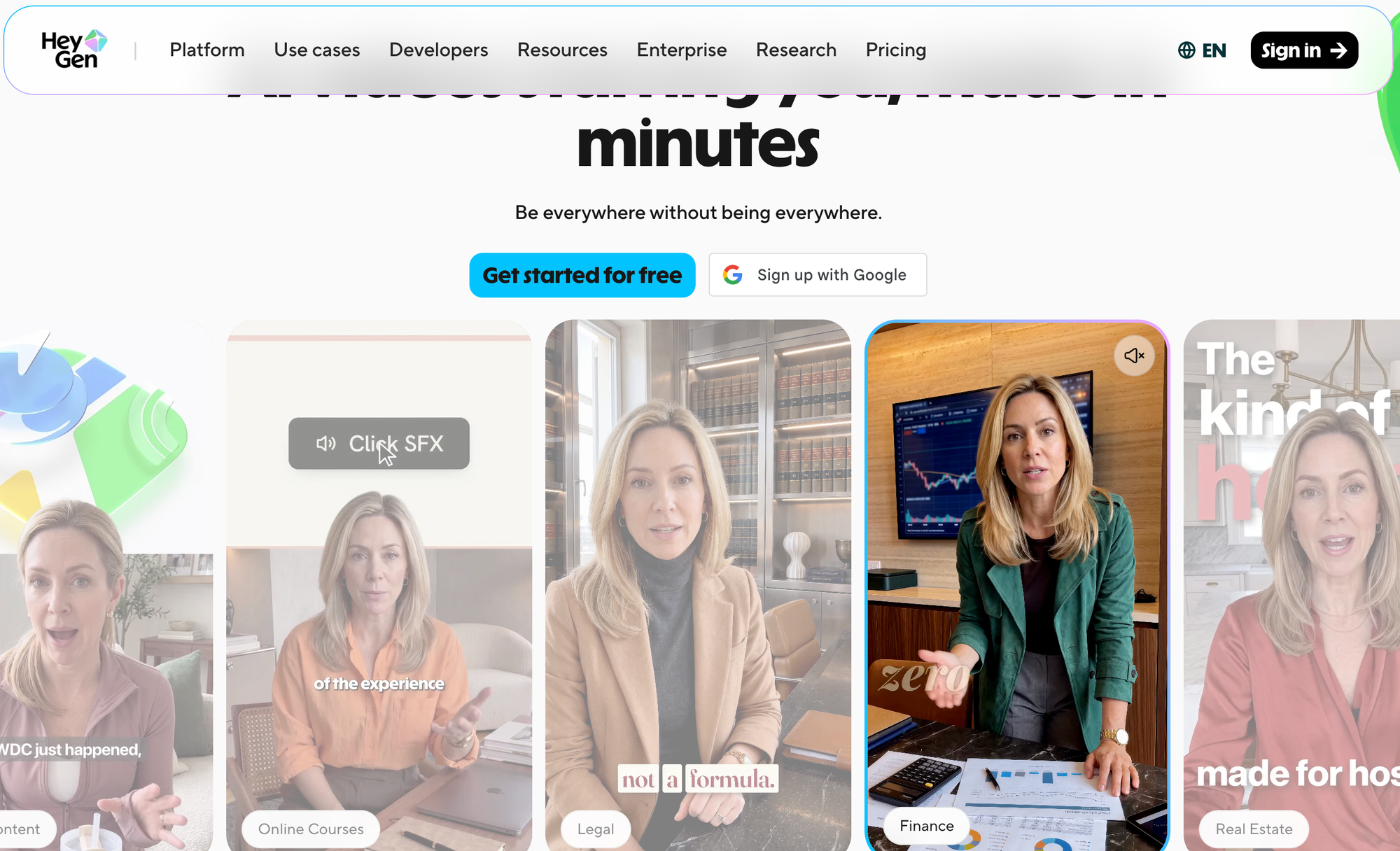
HeyGen is one of the more accessible options for marketing teams, creators and businesses that want realistic presenter videos without a lengthy production process.
You can start with an avatar from its library, animate a photograph or create a digital version of yourself. HeyGen says the platform supports more than 175 languages and dialects, which makes it especially useful for companies producing content for different regions.
One of its standout features is AI Yourself. According to HeyGen, users can create a digital twin from a video clip as short as 15 seconds. Once the avatar is ready, it can present new scripts without requiring the person to return to the camera.
Users can also provide text instructions to influence posture, gestures, gaze and delivery. These controls give marketing teams more flexibility than a basic text-to-video tool.
HeyGen makes the most sense for product explainers, localized advertising, social media clips and personalized sales messages. Its photo-avatar option is also useful when a company wants to animate an existing portrait rather than record a custom presenter.
Synthesia
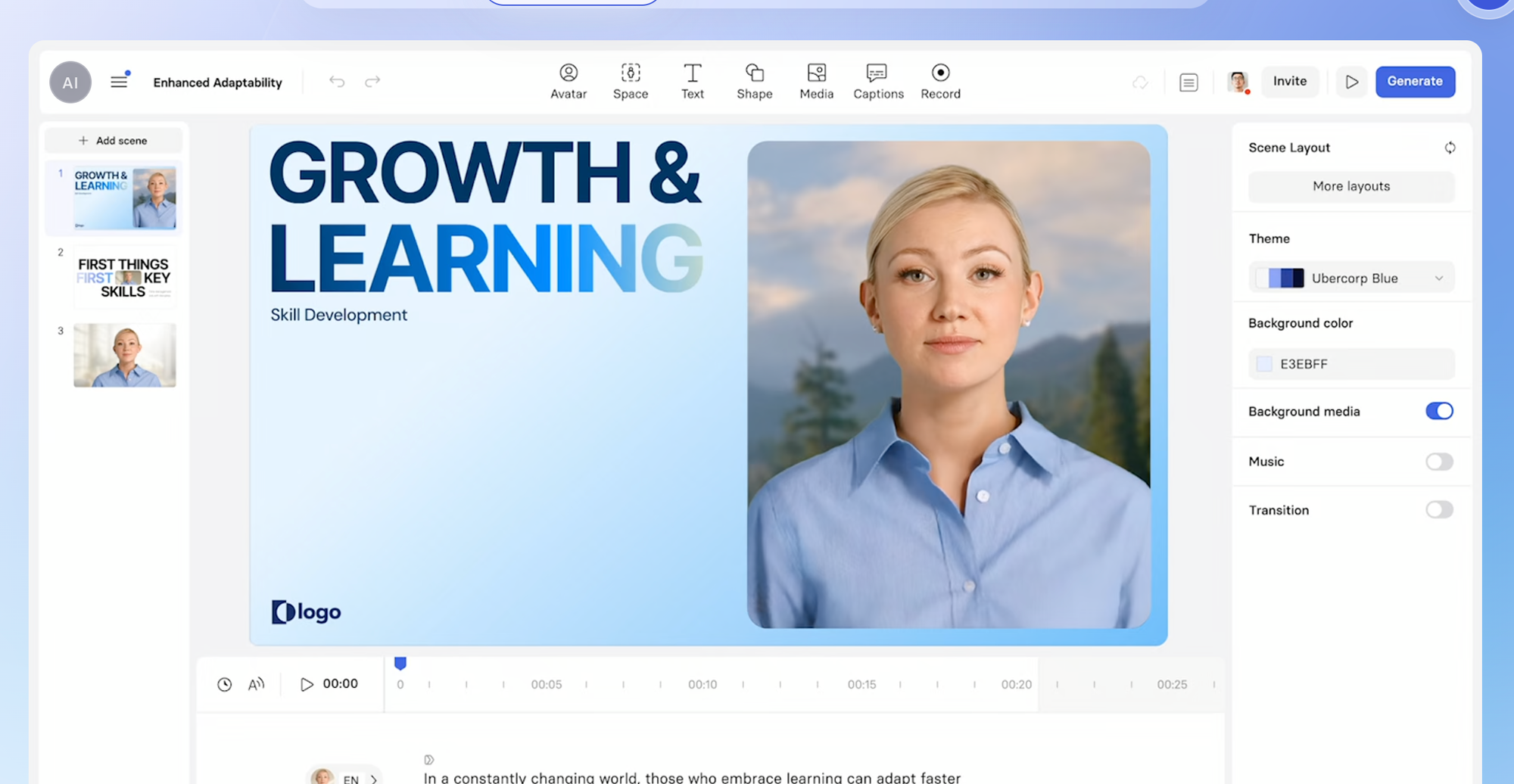
For corporate video production, Synthesia is likely to be one of the first platforms considered.
Its focus is less about producing attention-grabbing social clips and more about helping organizations create repeatable business content. Typical uses include employee onboarding, internal communications, training modules and sales-enablement videos.
The platform includes a library of AI presenters, along with tools for creating custom avatars. Users can generate videos from scripts, presentations, documents and web links. Synthesia also supports more than 160 languages and accents.
Its real value becomes clear when content needs regular updates. If a company changes a policy, for example, the training team can revise the script and regenerate the relevant scenes. There is no need to bring the original presenter back for another recording session.
Synthesia also offers the structure larger businesses often require, including shared templates, consistent branding and collaborative workflows. It is a practical choice for organizations that want to build a full video library rather than create the occasional avatar clip.
D-ID
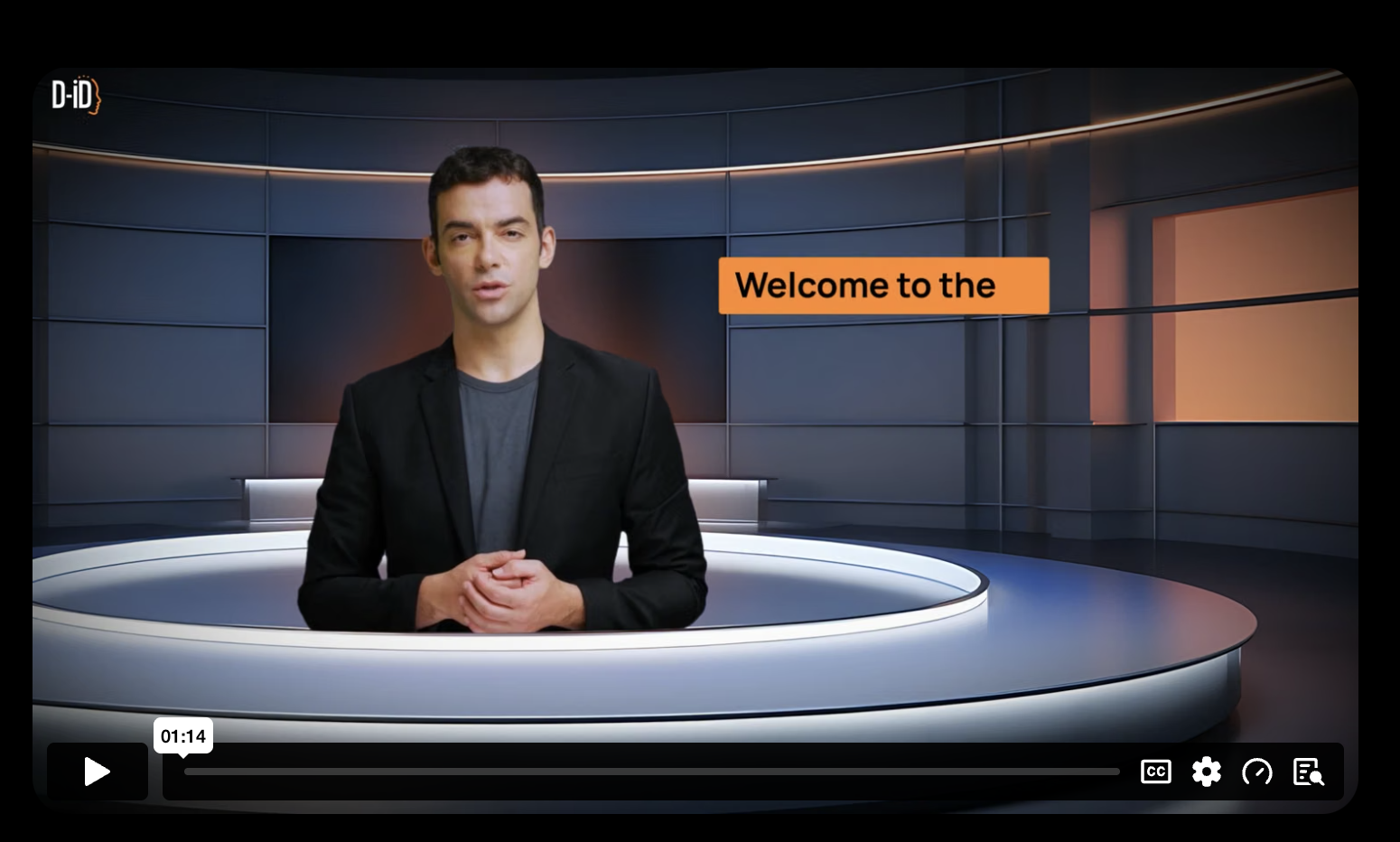
D-ID is a little different from the typical AI video studio.
The platform originally became known for turning still images into talking digital presenters. It still handles that task, but its capabilities now extend to interactive avatars and developer-focused applications.
A business can use D-ID to create a conventional talking-photo video, but developers can also integrate its avatar technology into websites, products and customer experiences through an API.
Imagine a virtual guide that answers questions in real time instead of reading a fixed script. That is the type of project where D-ID becomes more interesting. It is not limited to producing a finished video that viewers watch from beginning to end.
Companies exploring digital receptionists, interactive guides or AI customer interfaces may find D-ID more suitable than platforms built mainly for prerecorded training content.
Colossyan
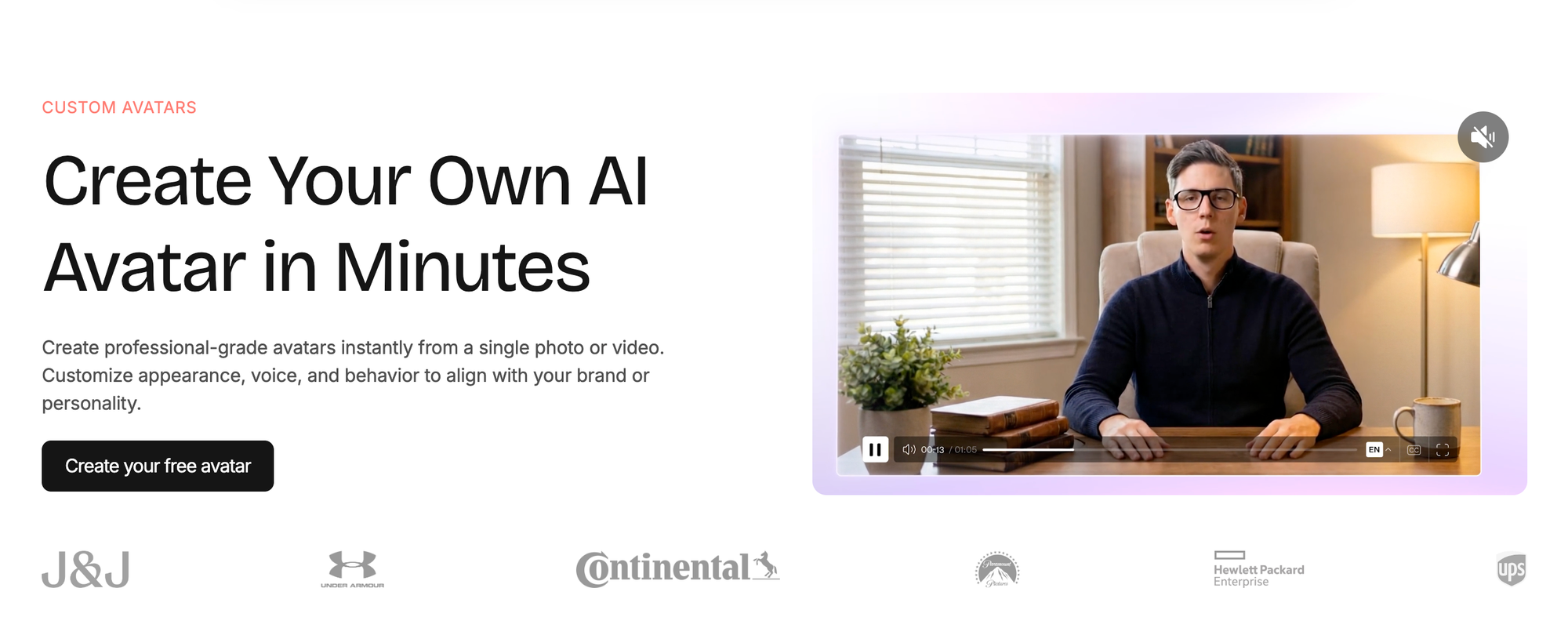
Colossyan is designed with learning and development teams in mind.
Its videos often follow a familiar presenter-led format, but the platform is structured around teaching rather than entertainment. Companies can use it to create compliance courses, onboarding lessons, employee education and internal training material.
It also supports interactive learning features and SCORM-based workflows. That can make it easier to use generated videos within an existing learning management system.
These capabilities may not matter to a social media creator, but they can be essential for a large organization. Training teams often need to track learning, update lessons and maintain a consistent format across many courses.
Colossyan is therefore less about creating the most cinematic avatar and more about making business education easier to produce and maintain.
AI Studios by DeepBrain AI
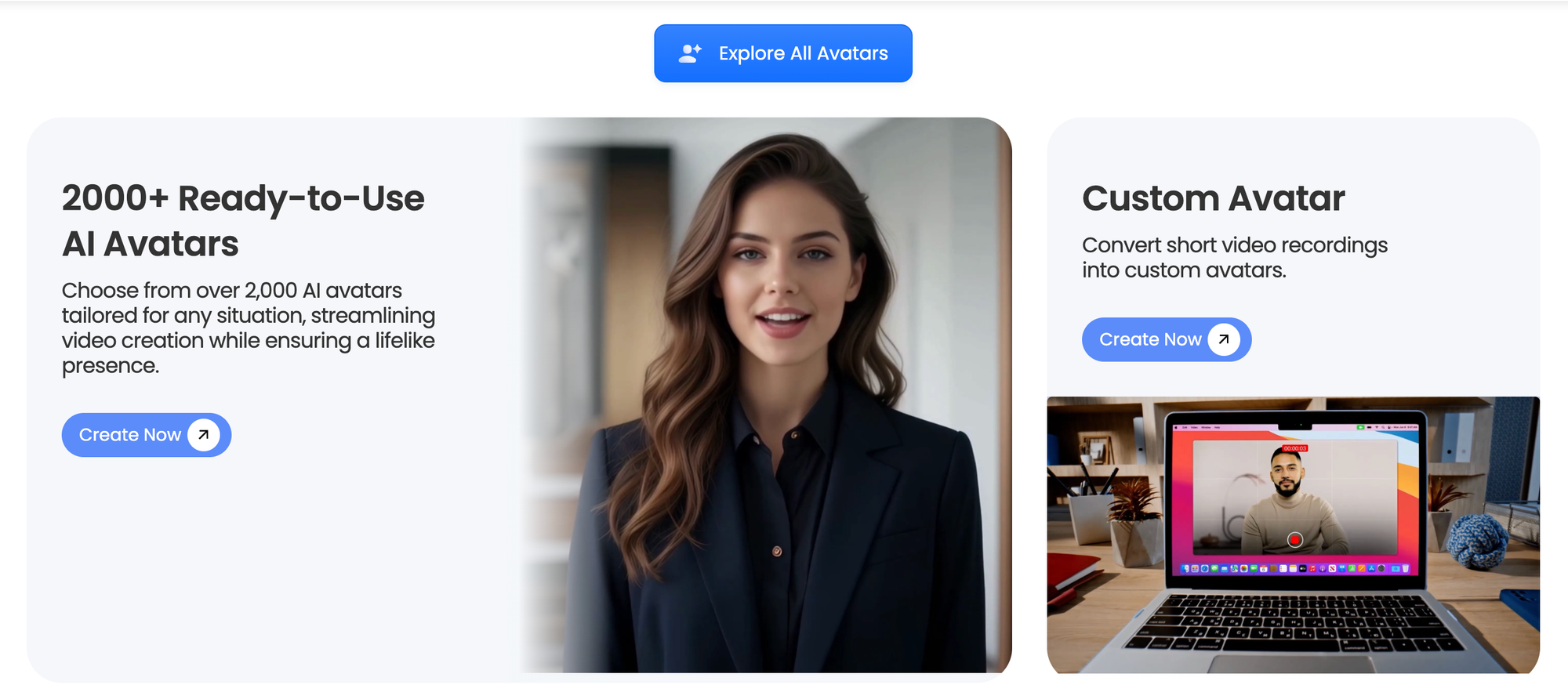
AI Studios gives users several ways to build presenter videos.
Those who need something quickly can choose an existing studio avatar. A custom presenter can also be created from webcam footage, a smartphone recording or a previously recorded video, according to DeepBrain AI.
There is also a Photo Avatar tool. Upload a portrait, enter the script and the platform turns the image into a talking character. DeepBrain AI says users can choose from more than 100 voices across over 80 languages for this type of project.
Another useful feature is PowerPoint support. Teams can upload an existing presentation and use it as the starting point for a video. This can save time for companies that already keep training, sales or educational material in slide decks.
AI Studios is worth considering if your workflow begins with presentations or if you want several avatar formats in the same platform.
What matters when choosing an AI avatar generator?
A realistic presenter may grab your attention, but appearance is only one part of the decision. The platform also needs to fit your workflow, budget and intended audience.
Test the languages you actually need
A high language count can look impressive on a product page, but quality may vary between voices, accents and regions.
Test the exact languages you plan to publish in. Listen carefully to the pronunciation of names, places, technical terms and brand-specific language. A platform that performs well in English may not deliver the same quality in every other supported language.
Check how custom avatars are created
Platforms have different recording requirements for digital twins.
HeyGen says it can create an avatar from a short recording, while AI Studios accepts footage captured with a webcam or smartphone. Some services may also require consent recordings, specific lighting or a particular camera angle.
Companies should review who can access a custom avatar and how it can be removed. A digital twin is not just another media file. It uses a person’s appearance and may also use their voice, so clear permissions and access controls are important.
Listen to the voice, not just the avatar
An avatar can look realistic and still feel awkward if the voice sounds flat or the lip synchronization is poorly timed.
Before subscribing, test a script containing numbers, technical language, abbreviations and brand names. These are often the areas where synthetic voices struggle.
Pacing matters too. Some tools produce speech that sounds natural in a short advertisement but becomes tiring during a longer training video.
Look at the editing process
Think about what happens after the first version is generated.
Can you change a single sentence without remaking the entire video? Can you save templates, add subtitles and apply brand colors? Does the editor support logos, music and reusable scenes?
These details become increasingly important when a team is producing several videos each month.
Consider integrations and publishing requirements
Learning and development teams may need SCORM support or compatibility with an existing learning management system. Marketing departments may care more about aspect ratios, caption tools and fast exports for social platforms.
Developers have a different set of requirements. If an avatar will appear inside an application, API access, response time and real-time generation may be more important than the built-in video editor.
Choose the platform around the final destination of the content, not just the quality of its demo videos.
Understand the true cost
Subscription prices do not always include every feature.
Some plans limit video minutes, resolution, exports or access to premium avatars. Voice cloning, custom presenters and team collaboration may only be included in more expensive packages.
Estimate how much content you expect to produce each month. It is also worth considering how often videos will need to be updated, since repeated generation can quickly use up monthly allowances.
Which tool should you choose?
There is no single AI avatar generator that works best for every situation.
HeyGen is a flexible choice for marketing, sales and multilingual campaigns. Synthesia is better suited to structured corporate production, while Colossyan is built with training teams in mind. D-ID is worth exploring for interactive projects and developer integrations.
AI Studios could be a good fit for teams working with presentations or different types of custom avatars. Hedra offers more creative freedom for character-led content, while Tavus is focused on personalized customer and sales experiences.
The simplest way to decide is to test the same script on several platforms. Compare the voice, lip synchronization, editing process and overall presentation. If possible, use content similar to what you intend to publish.
A short social advertisement, a lengthy training course and an interactive customer assistant all require different things from an avatar platform. The best tool is not necessarily the one with the longest feature list. It is the one that makes your content easier to produce and more convincing to watch.
How we selected these tools
The seven platforms in this guide were selected to represent different use cases, including marketing, corporate training, personalized video, creative content and interactive avatars. This is an editorial comparison, not a hands-on performance test. We assessed each platform using publicly available product documentation, feature pages and independent industry comparisons. All tools were evaluated against the same criteria: avatar options, language support, voice features, integrations, customization and intended audience.
 Anastasiia G
Disclaimer: All materials on this site are for informational purposes only. None of the material should be interpreted as investment advice. Please note that, despite the nature of much of the material created and hosted on this website, HODL FM operates as a media and informational platform, not a provider of financial advisory services. The opinions of authors and other contributors are their own and should not be taken as financial advice. If you require advice, HODL FM strongly recommends contacting a qualified industry professional.